
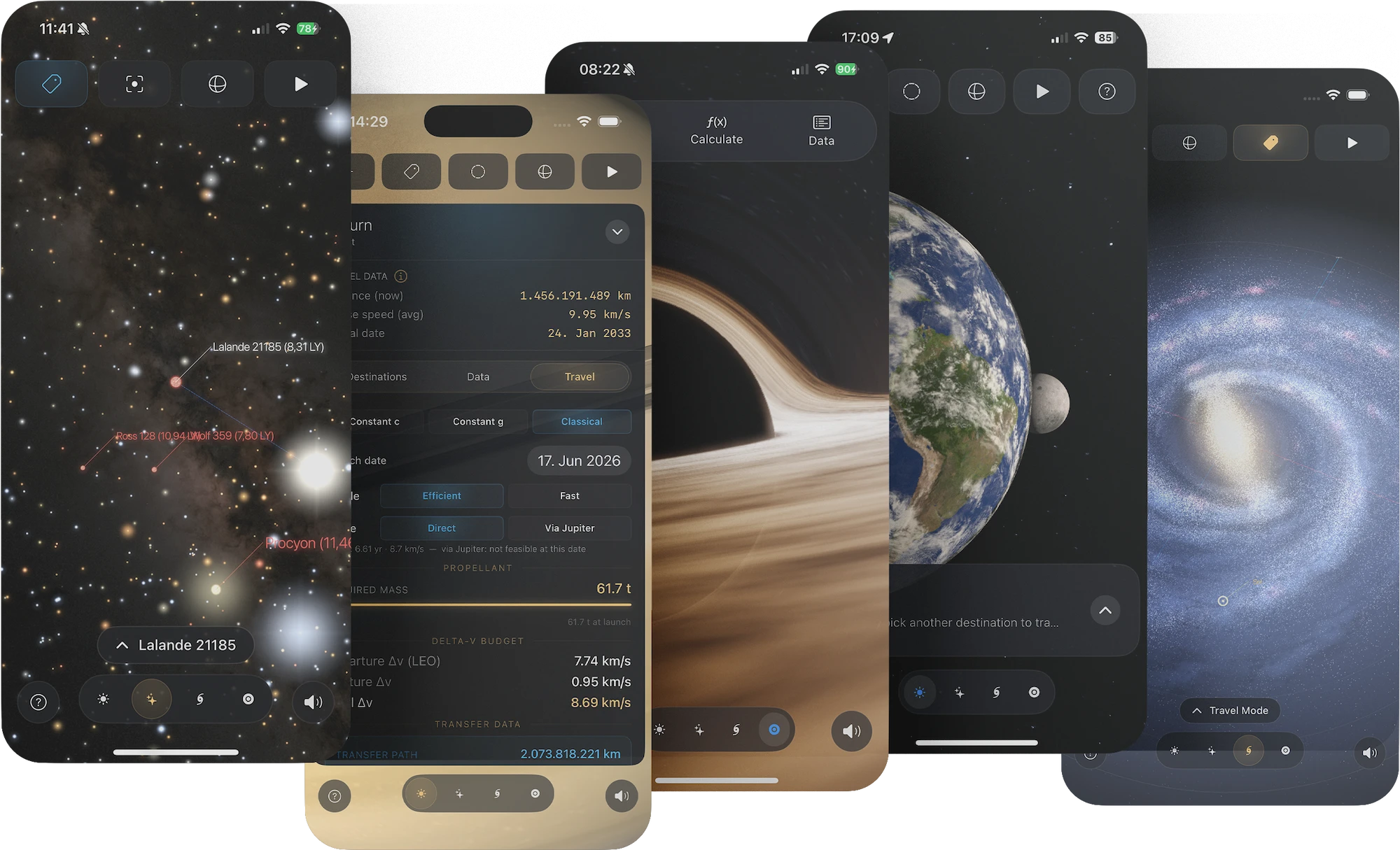


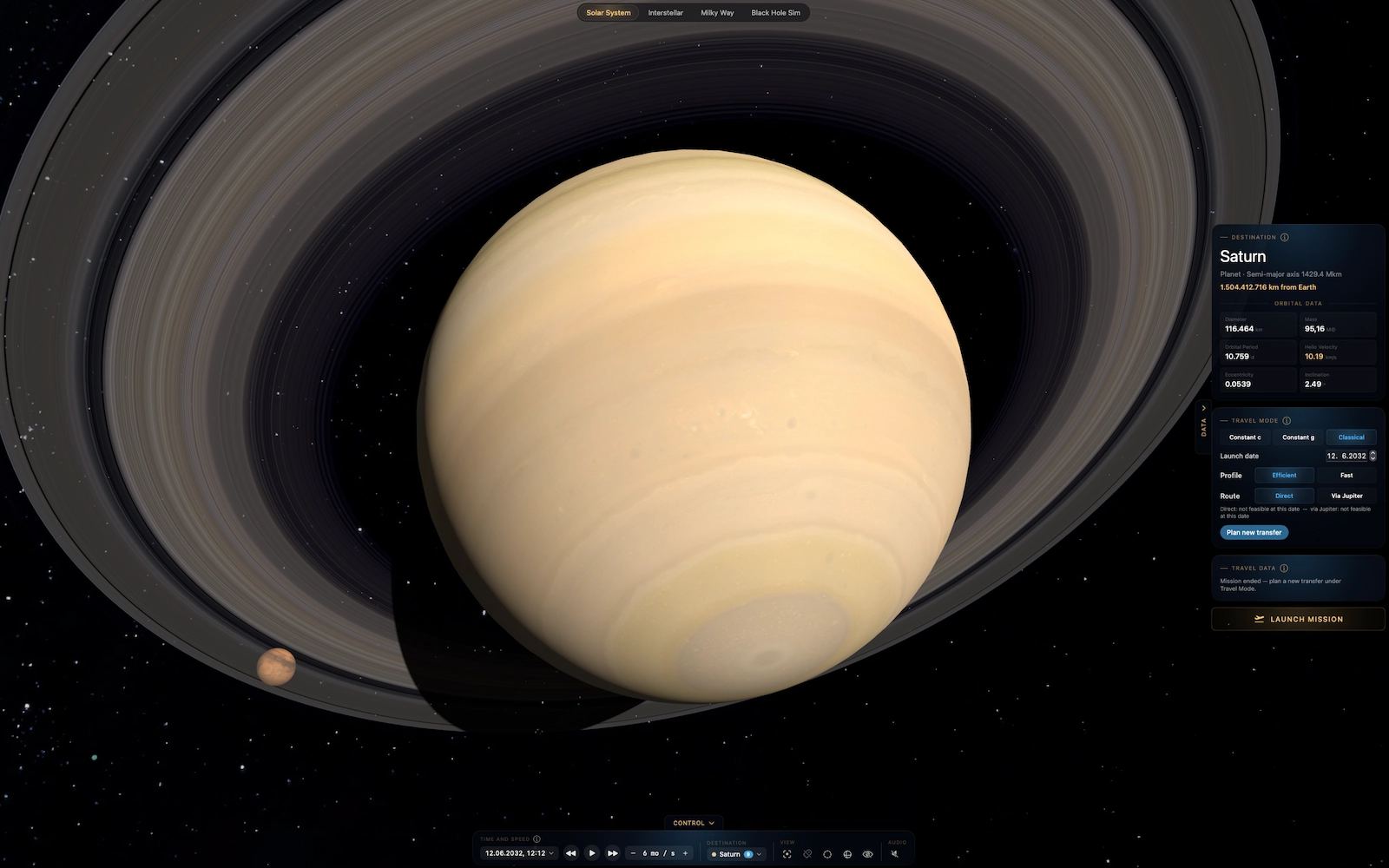
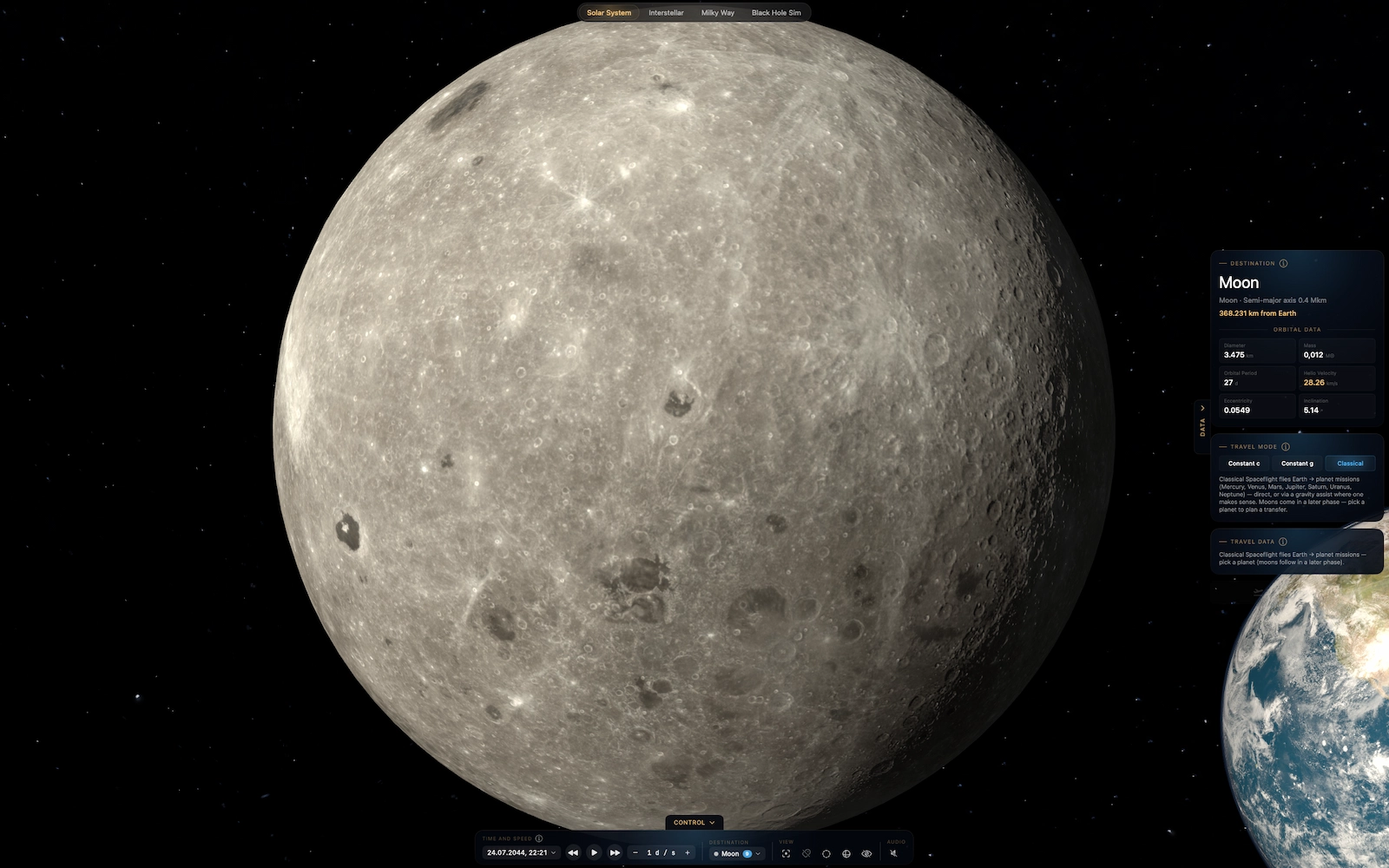
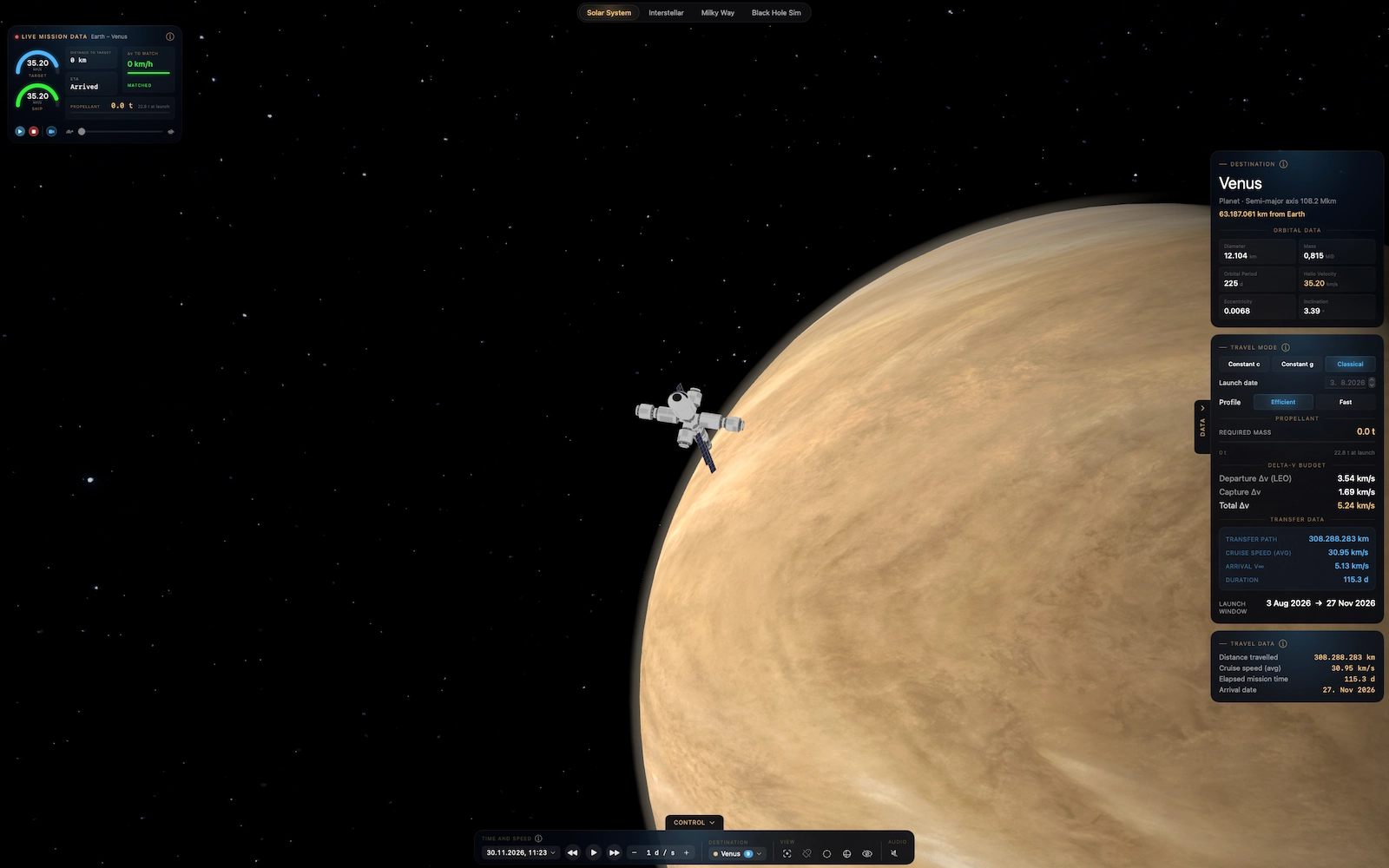
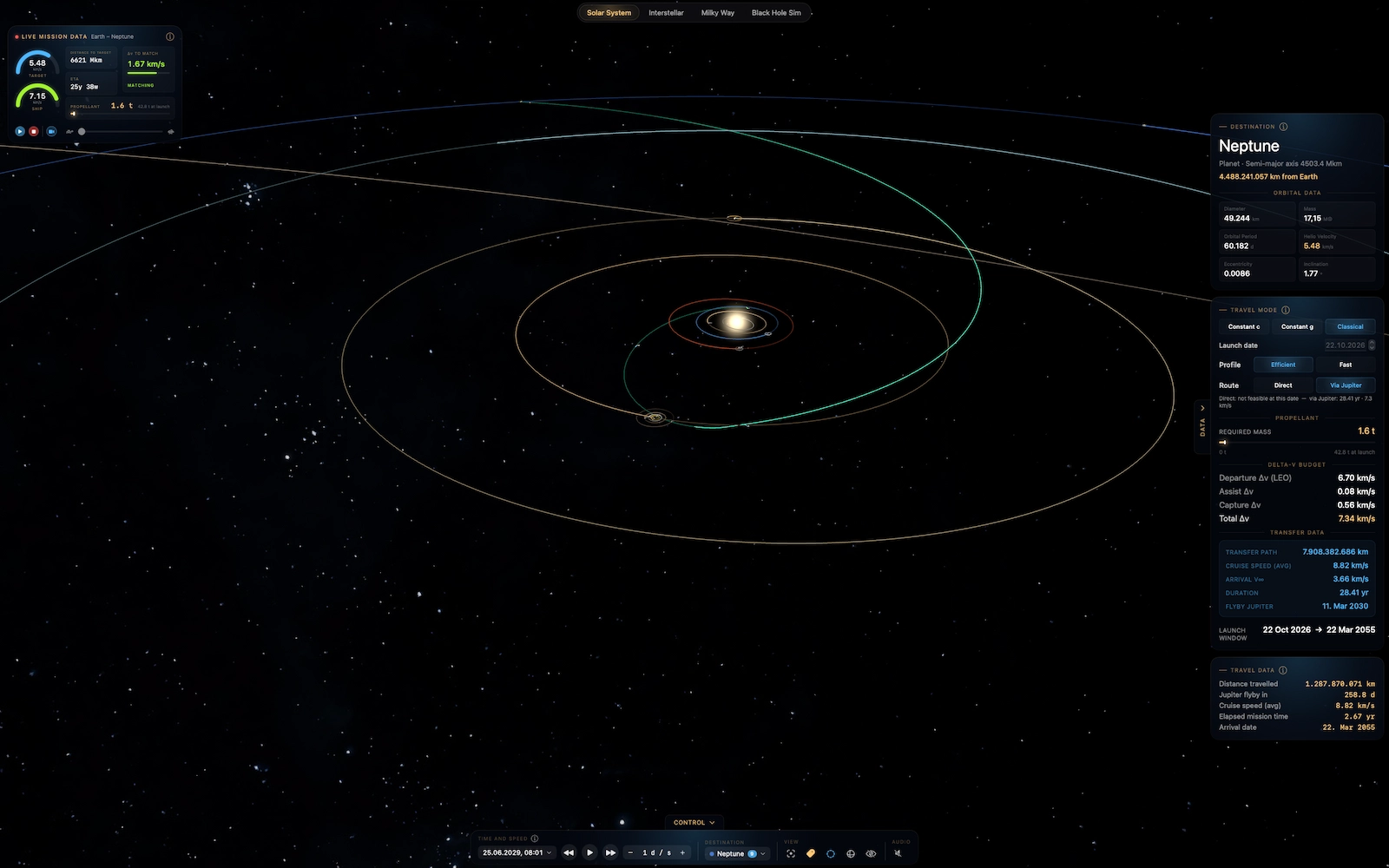
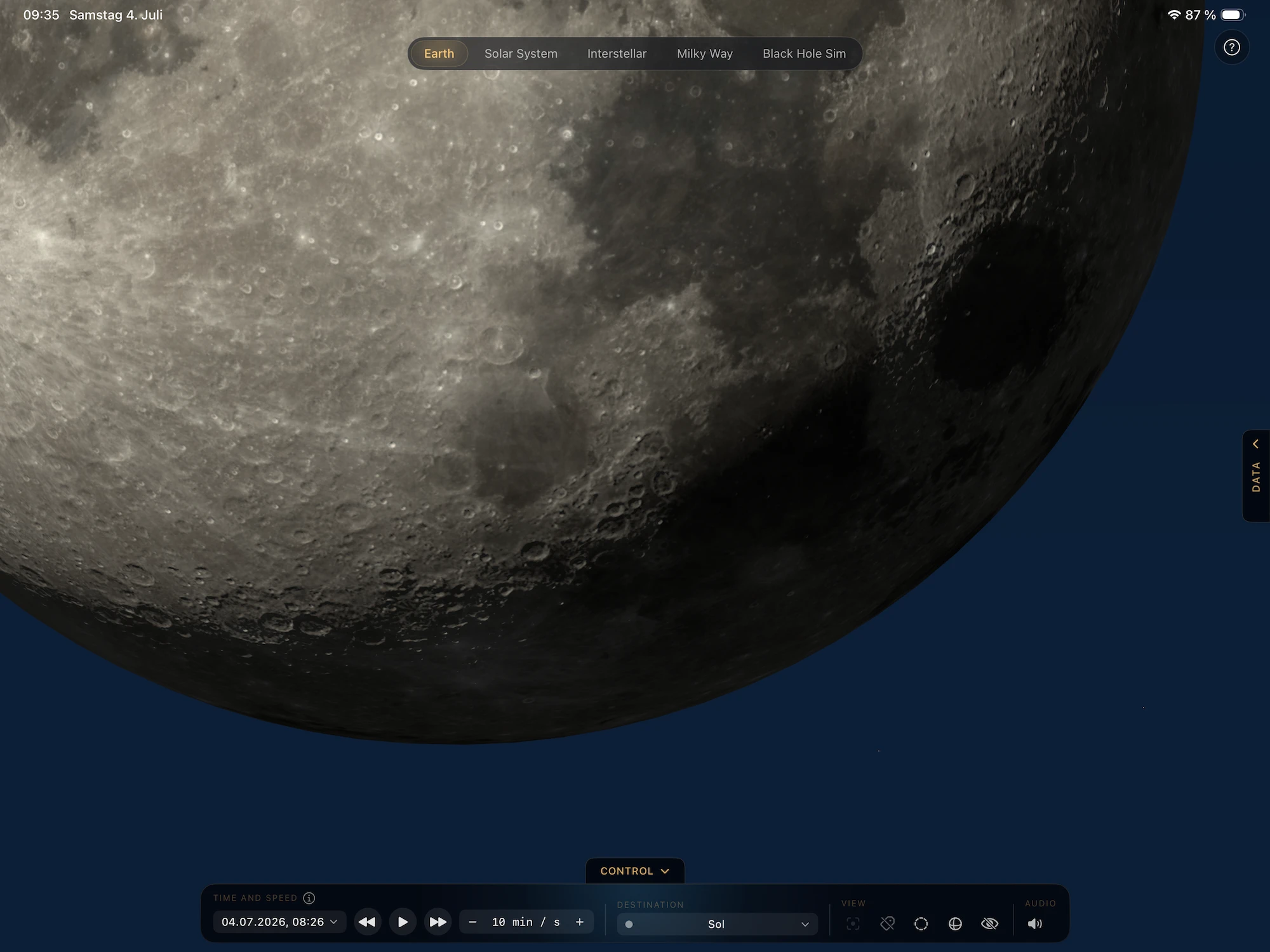
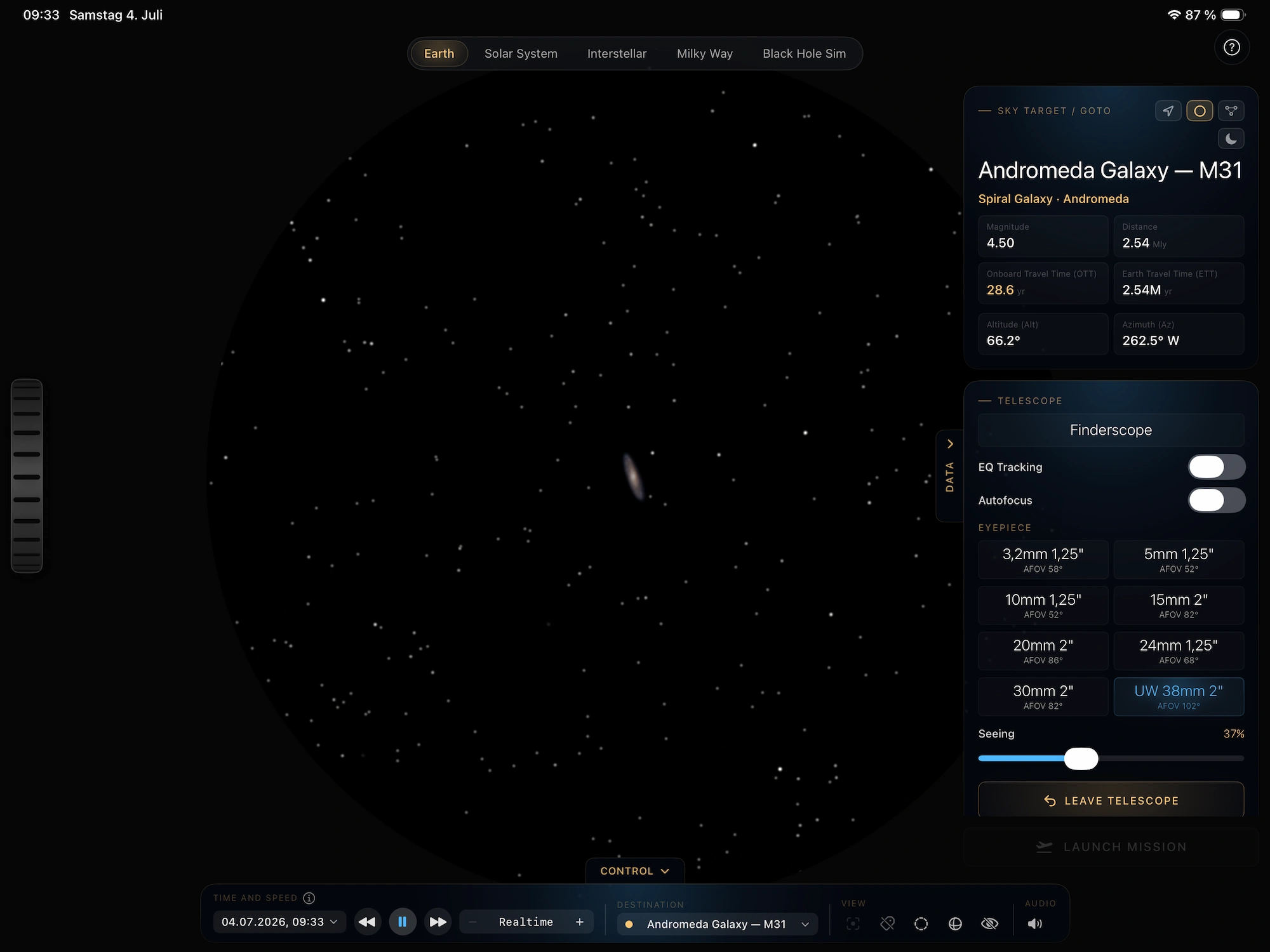
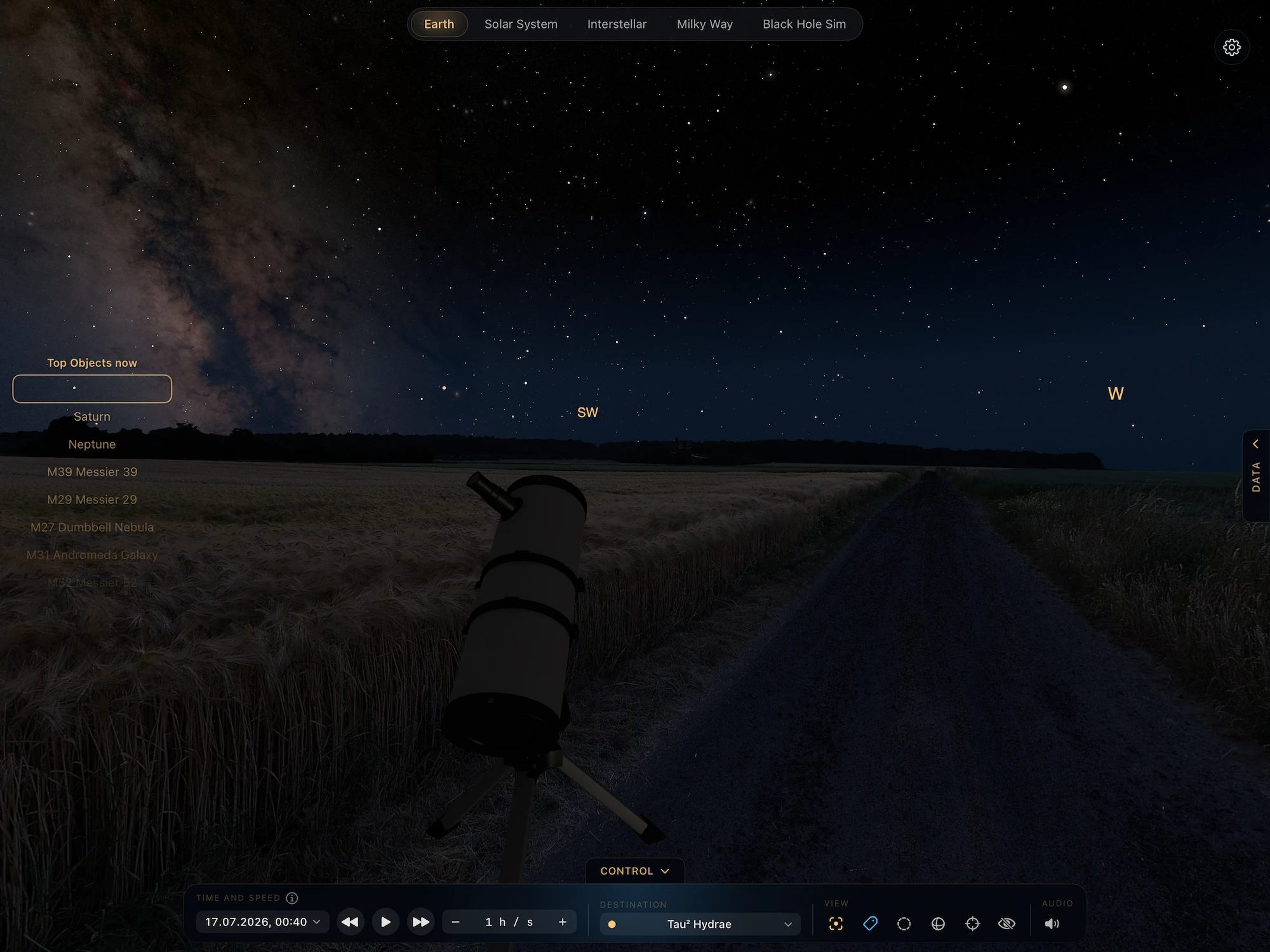
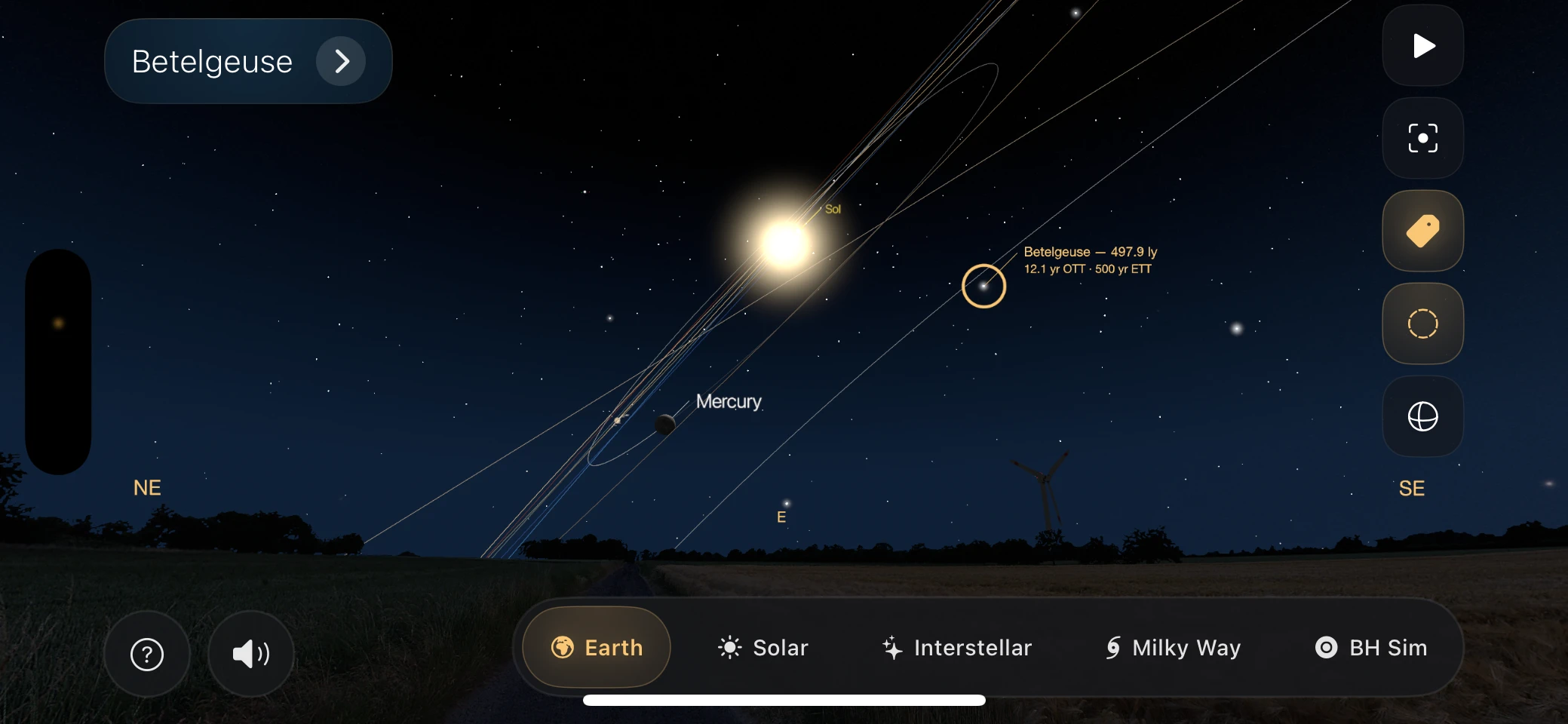
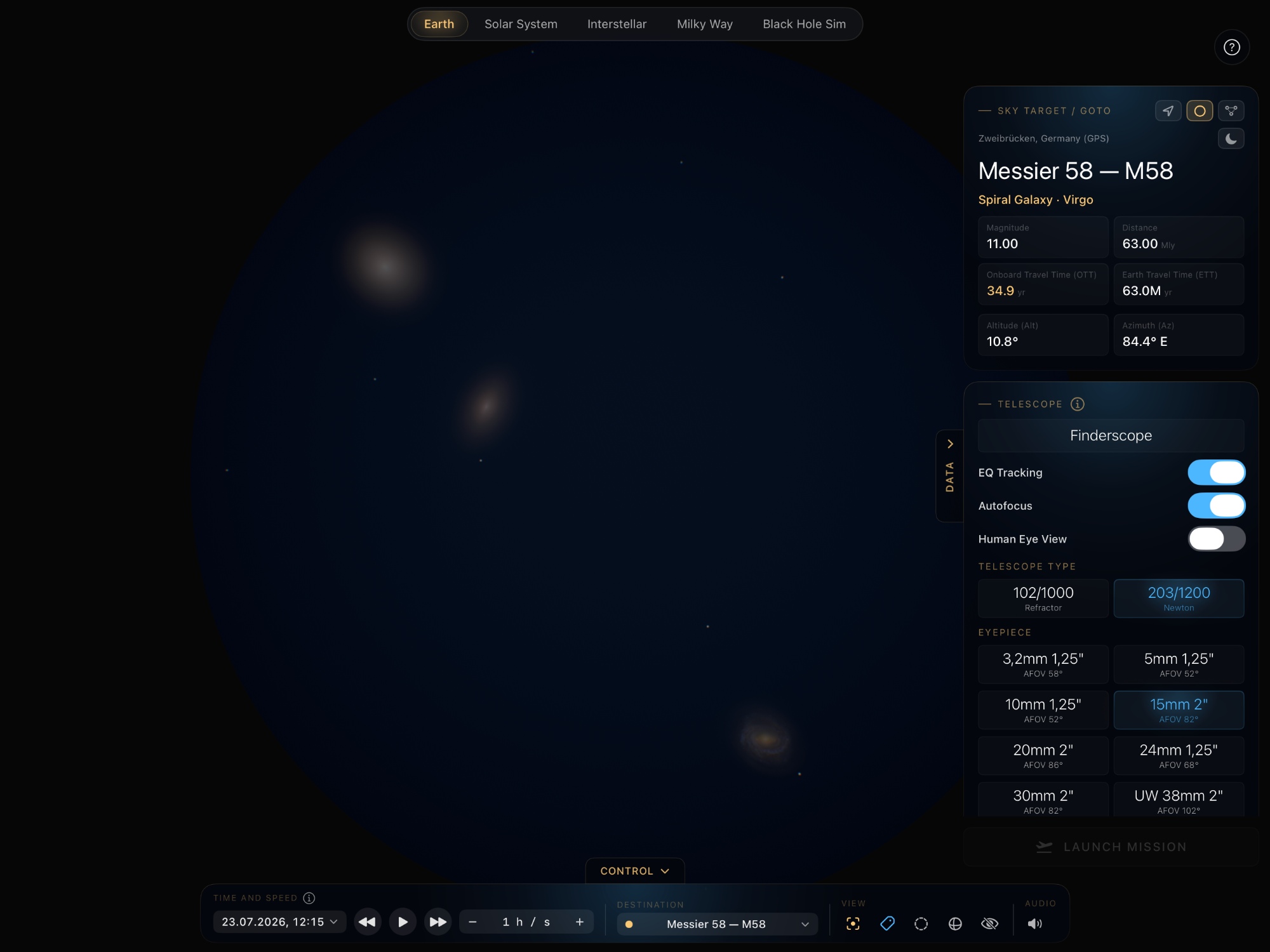
Explore relativistic Space Travel in our Solar System, nearby Stars, our Galaxy and distant Black Holes
Calculate real Time Dilation
Brand new 2026 Universal App – Now Available for Mac, Iphone + iPad
Is your favorite sci-fi movie physically right?
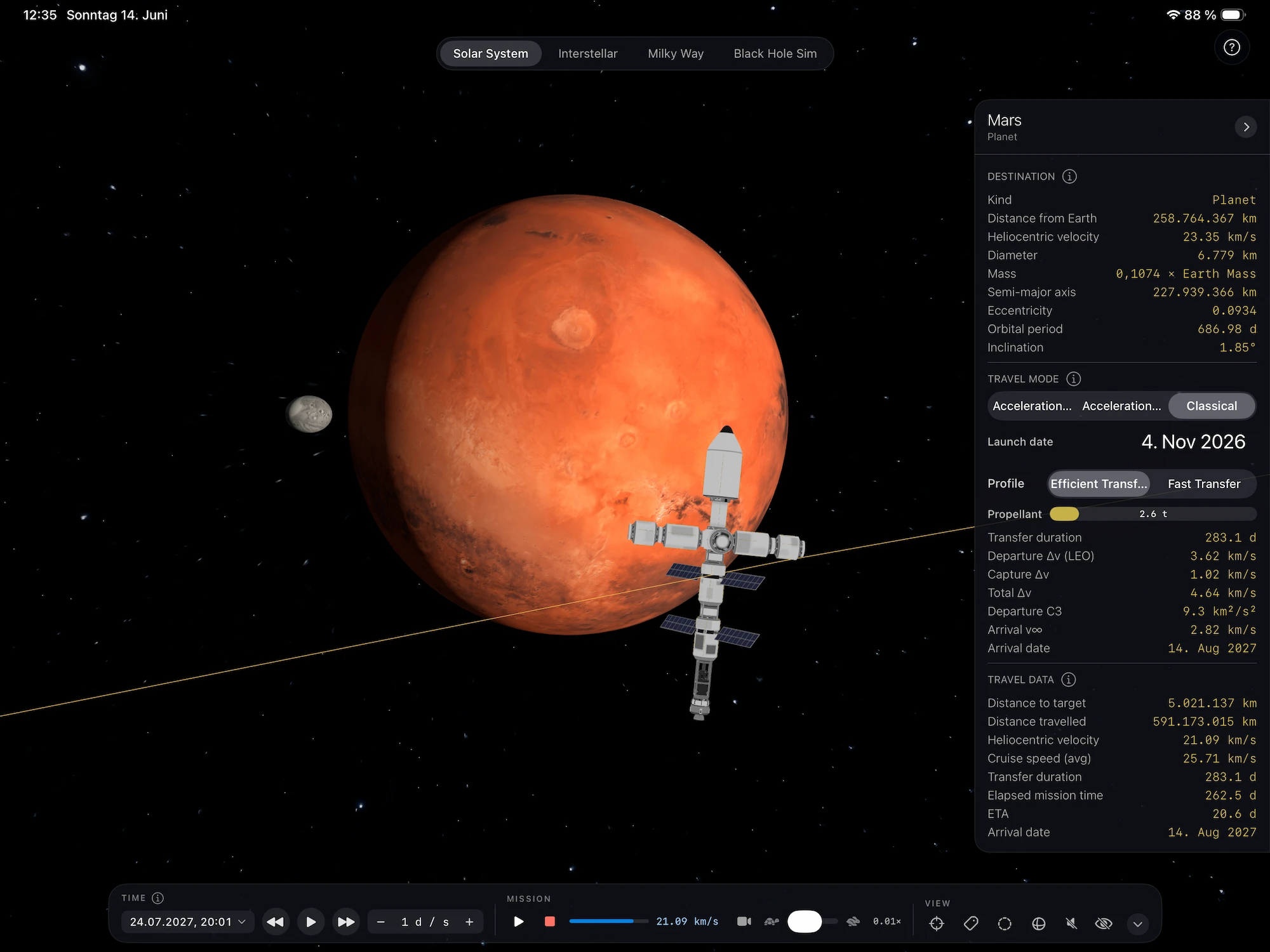
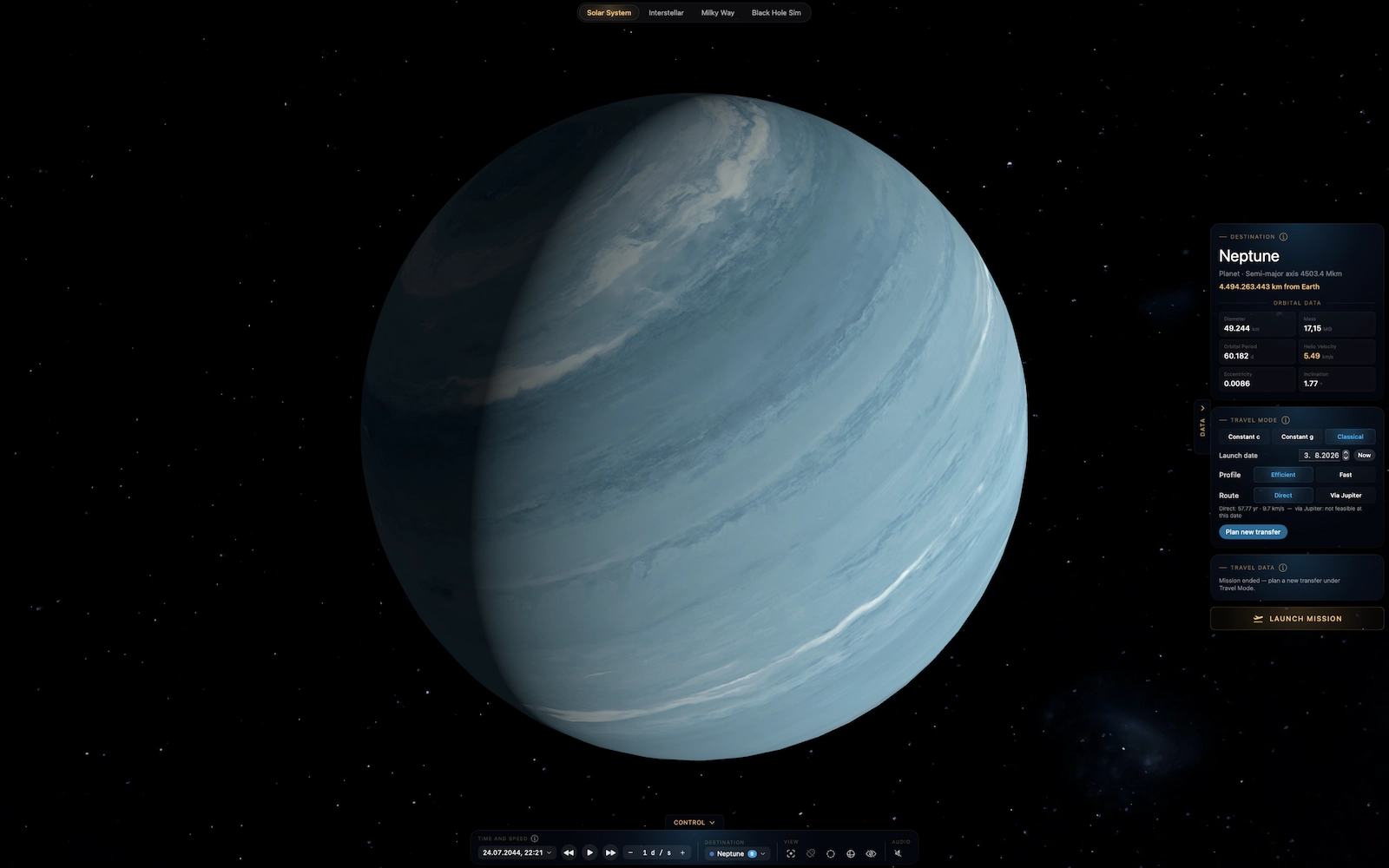
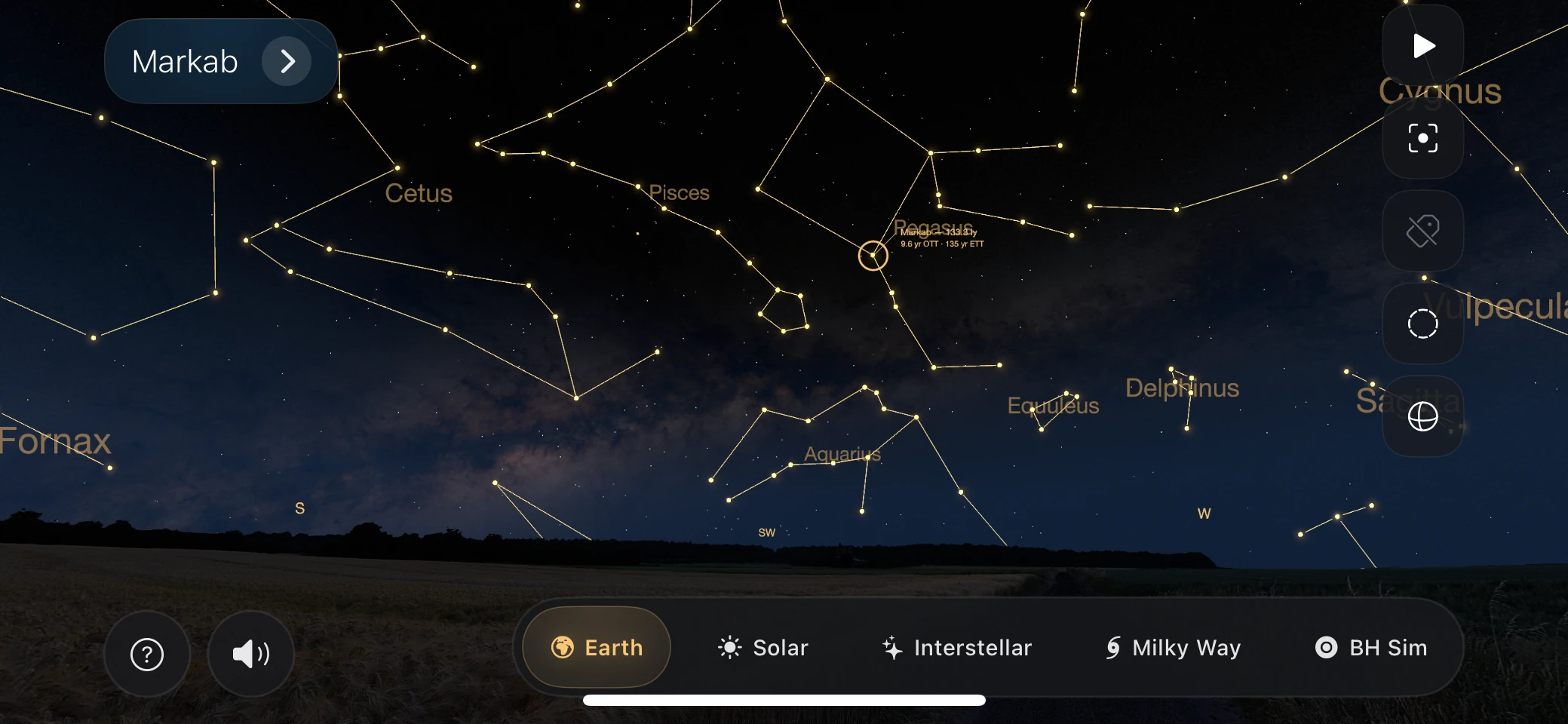
Built for astronomy fans, sci-fi film lovers, and physics enthusiasts, NearLight turns nearby space into an interactive experience. Search star systems, inspect known stellar data and exoplanets, compare travel times across different speed and acceleration models and see the relativistic affects of black holes with your own eyes. From realistic star maps to relativistic journey calculations, NearLight makes space travel feel tangible.
Calculate Acceleration an De-Acceleration phases with different g values and see, where your spaceship has to turn. Get the relativistic Onboard Travel Times (OTT) fast, with just a slider. Find out how much time went by on Earth.
Escape our world with more than 2 sensens: Play ambient songs while crossing our universe or feel the hum of the black hole.
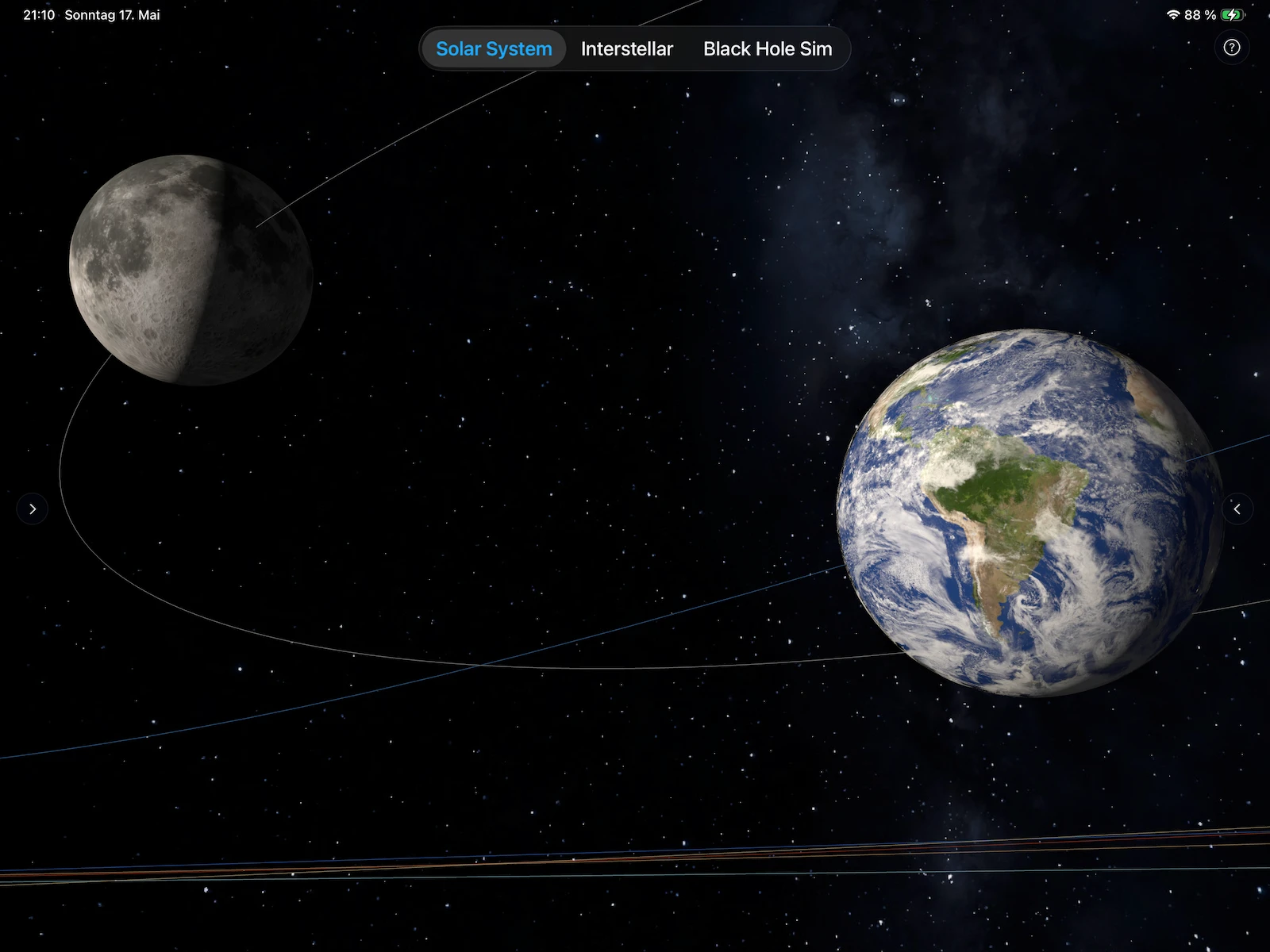
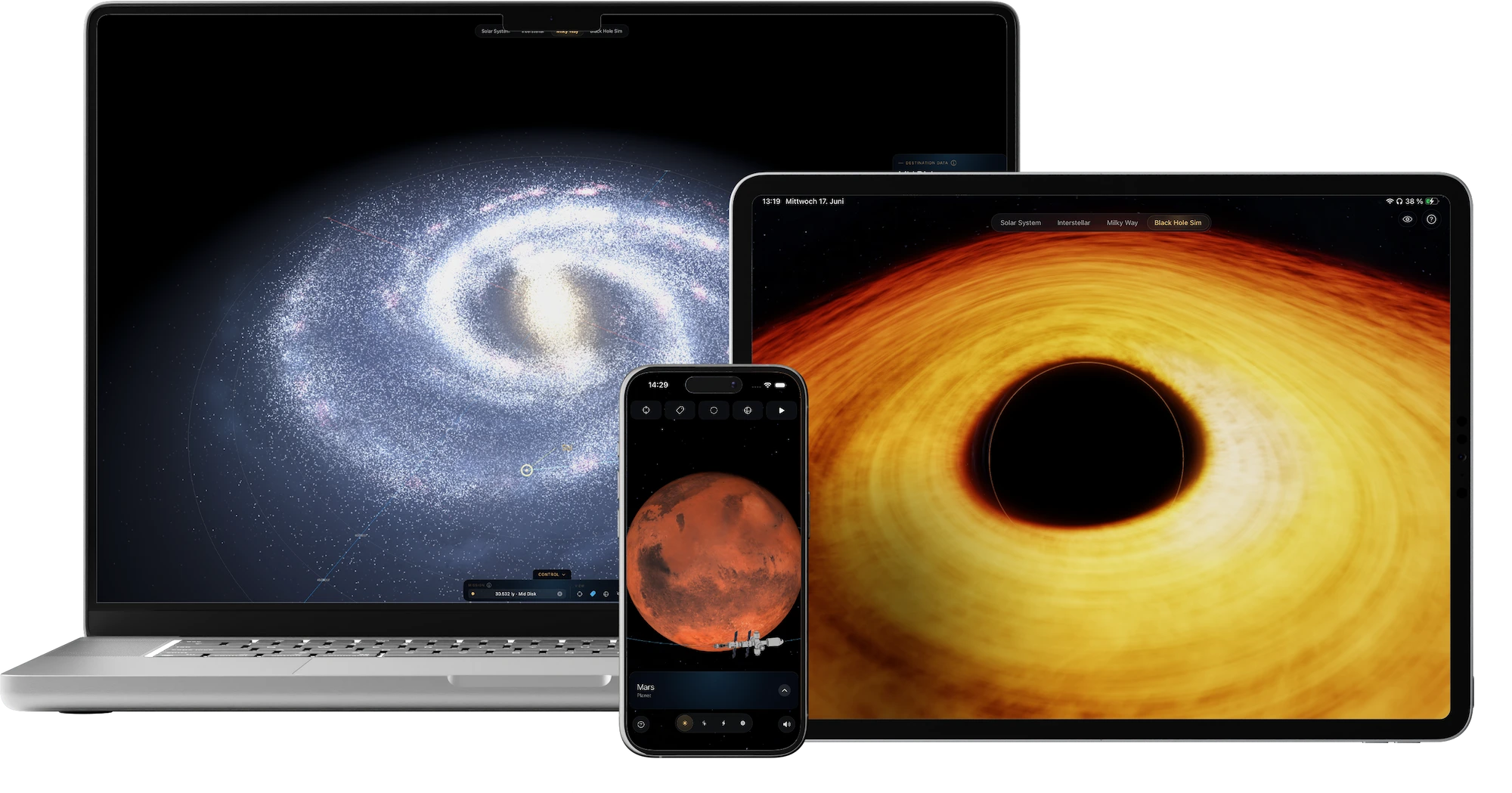
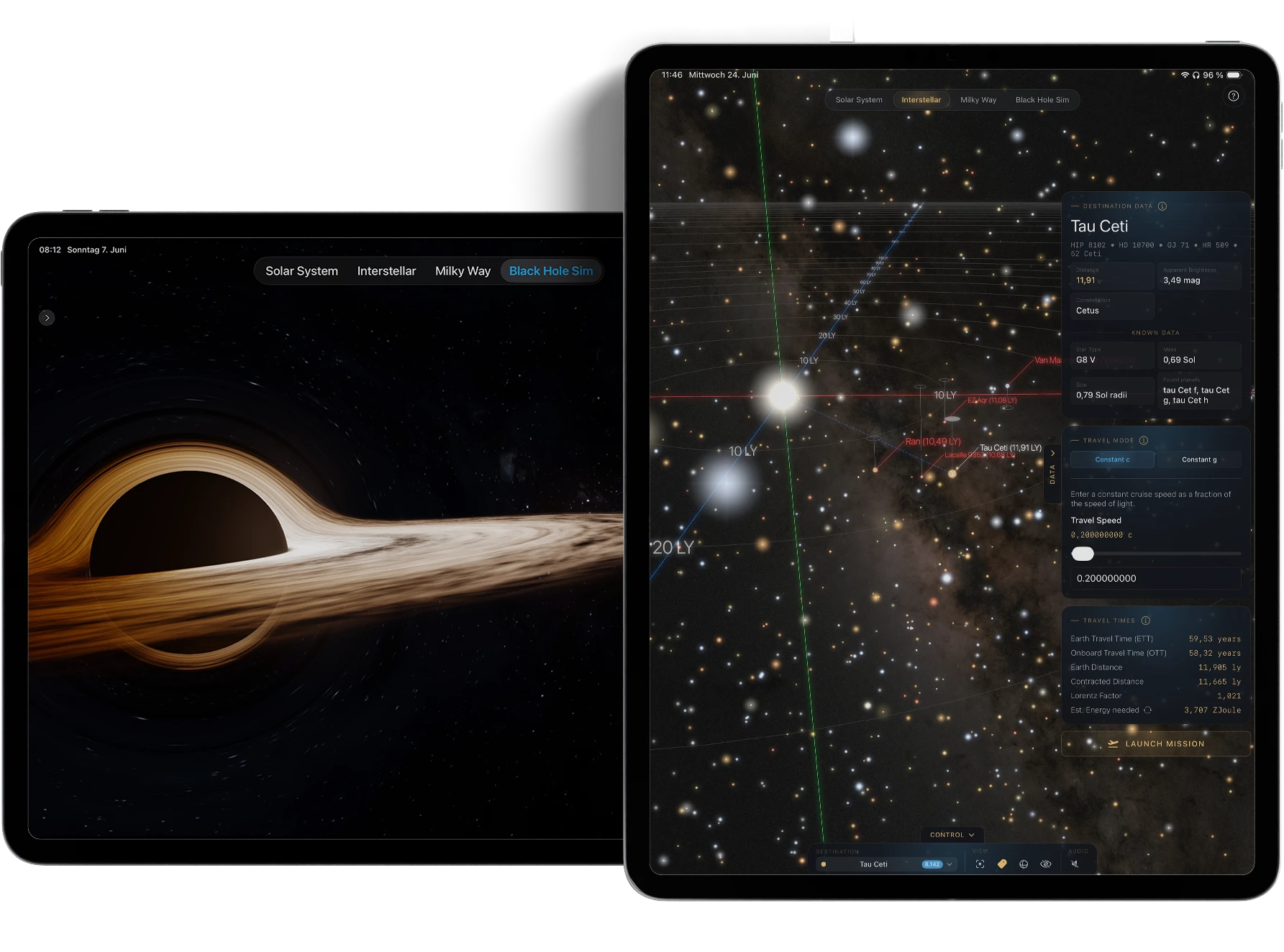
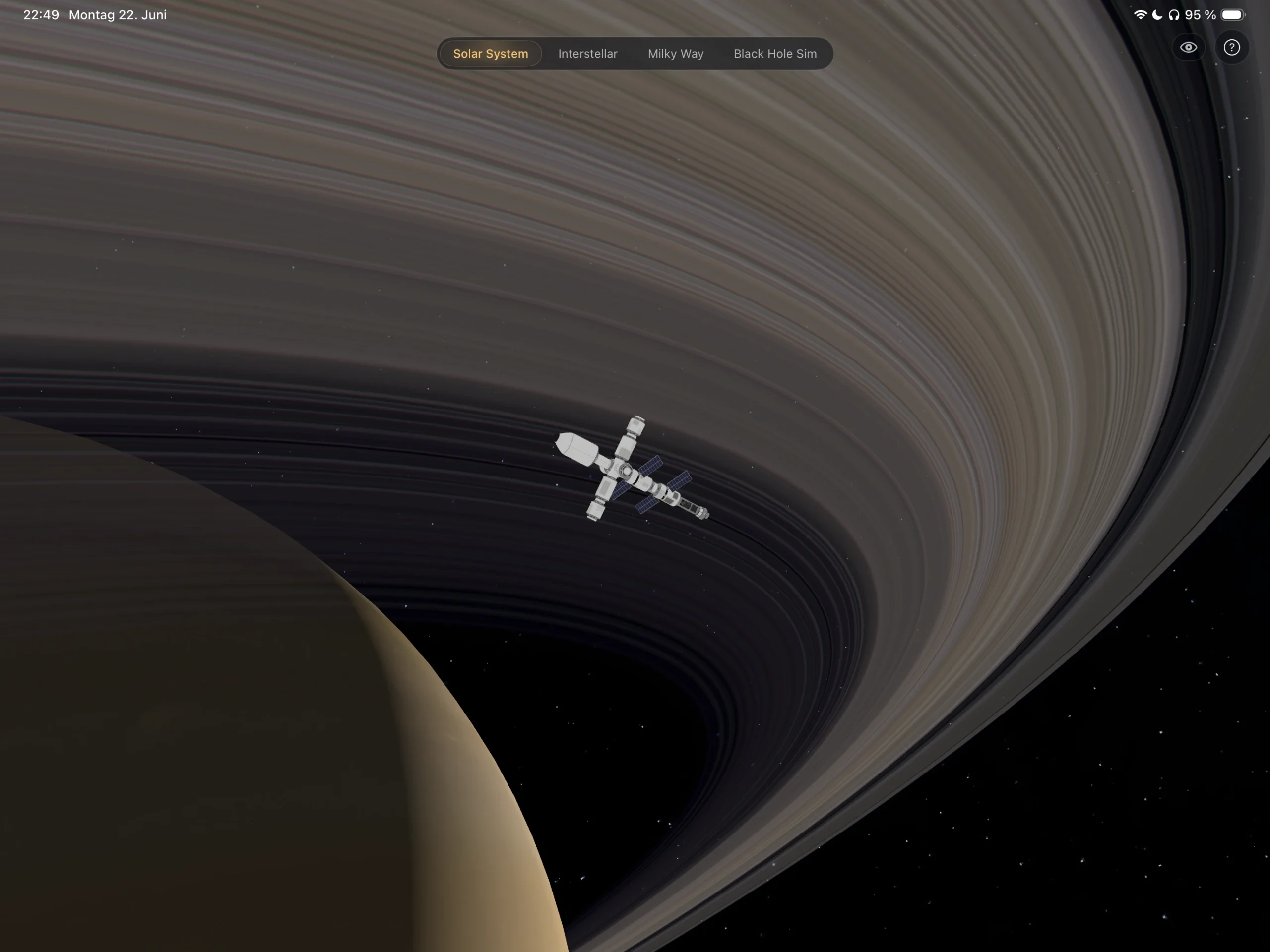
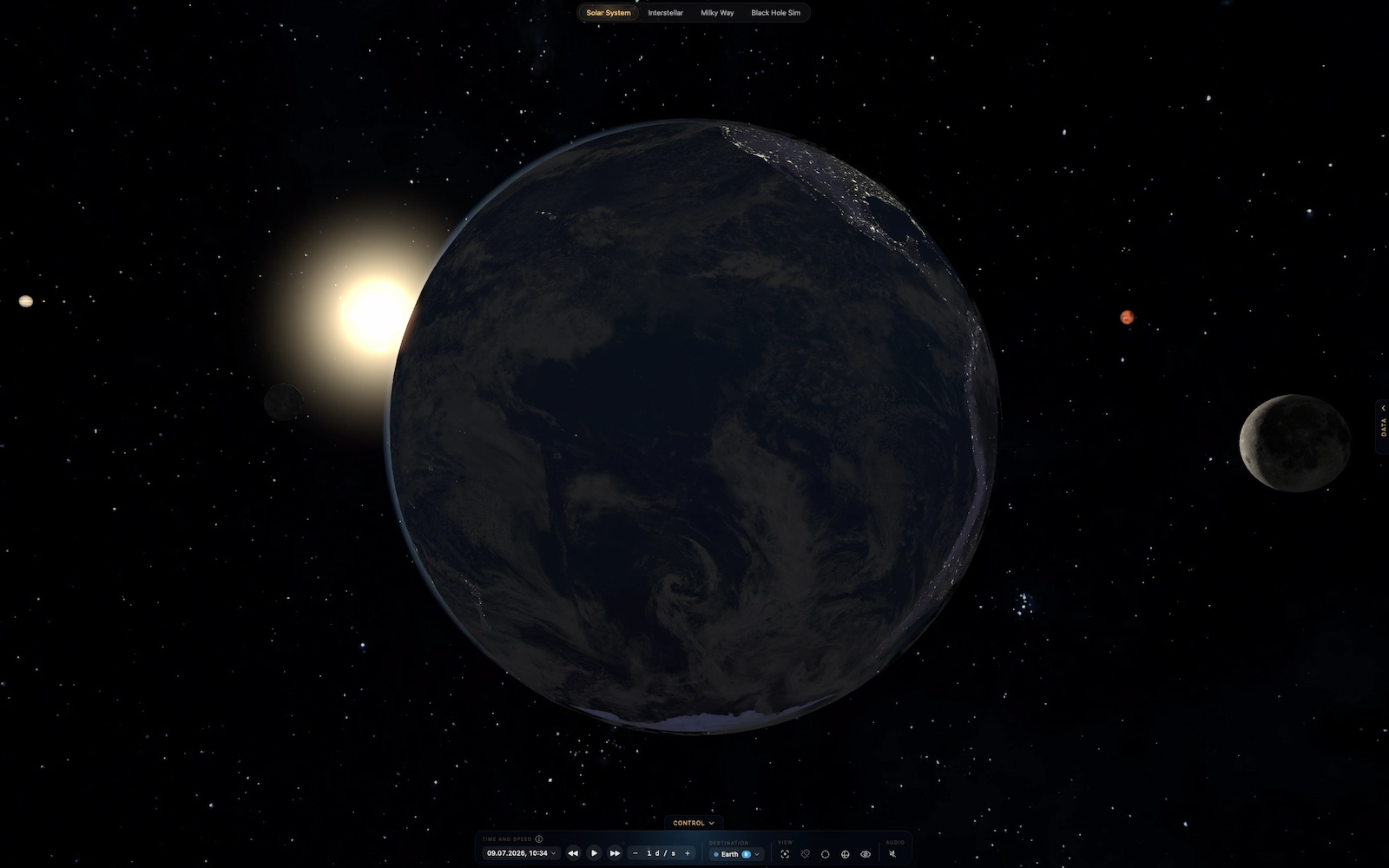
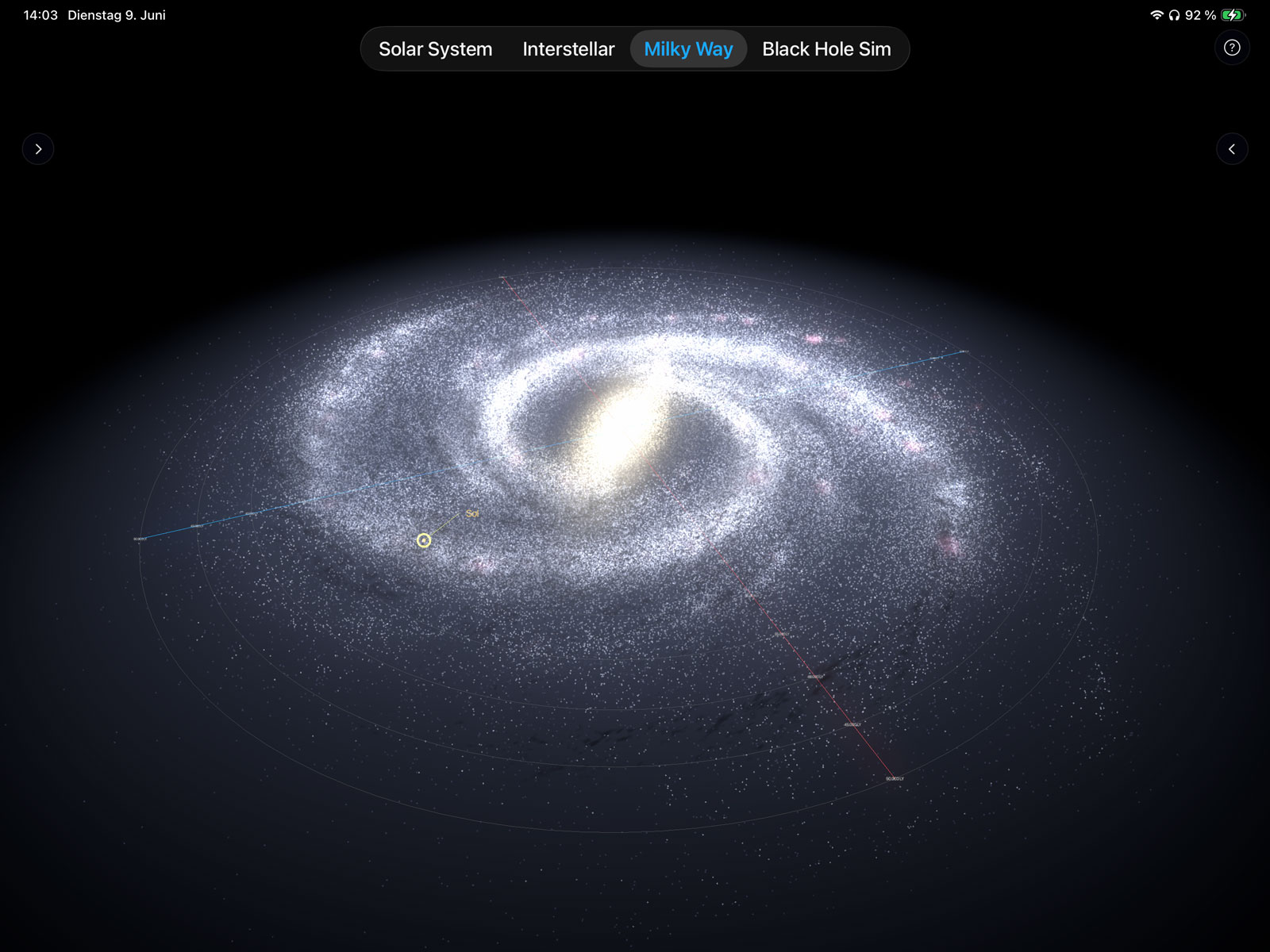
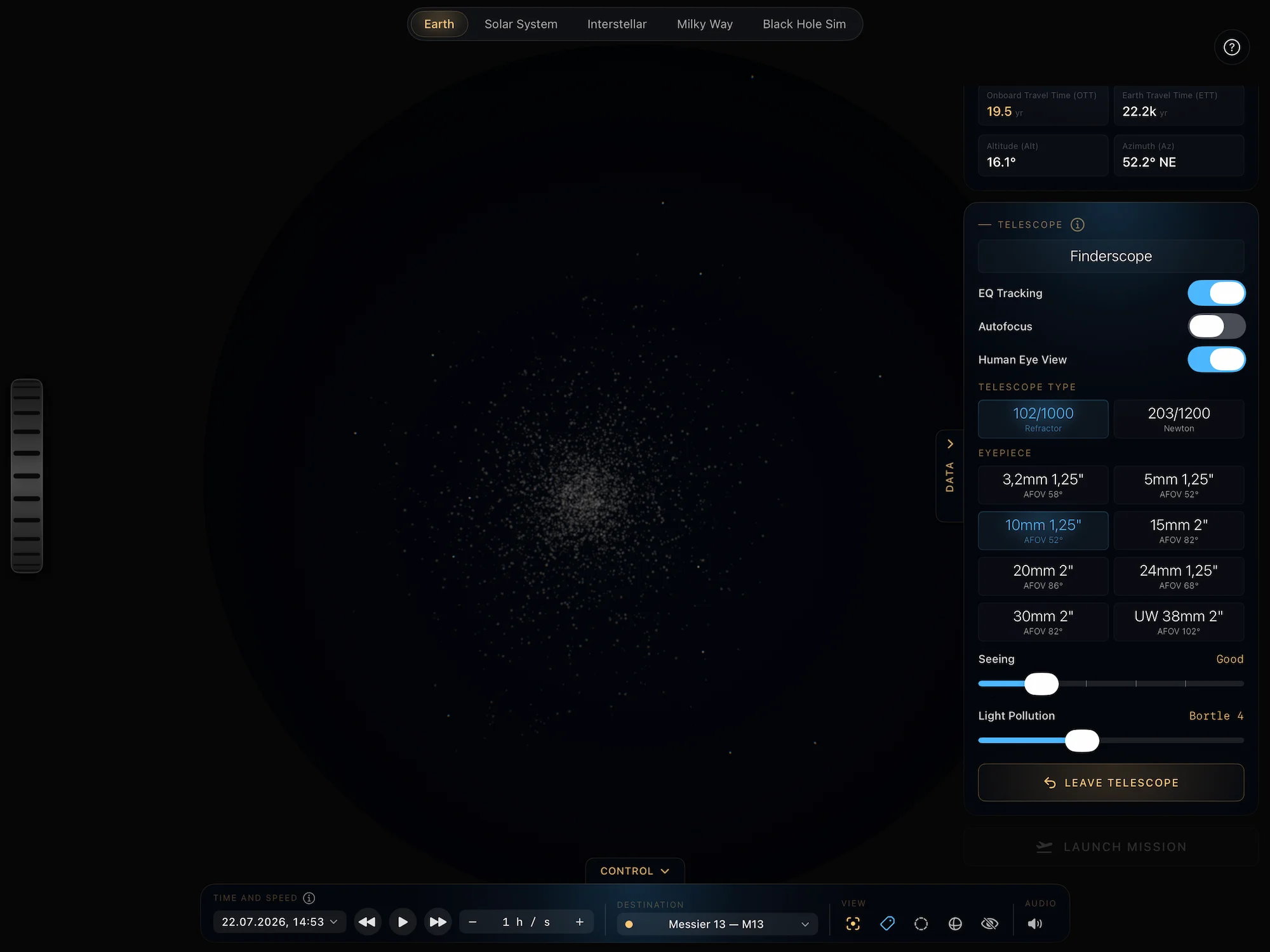
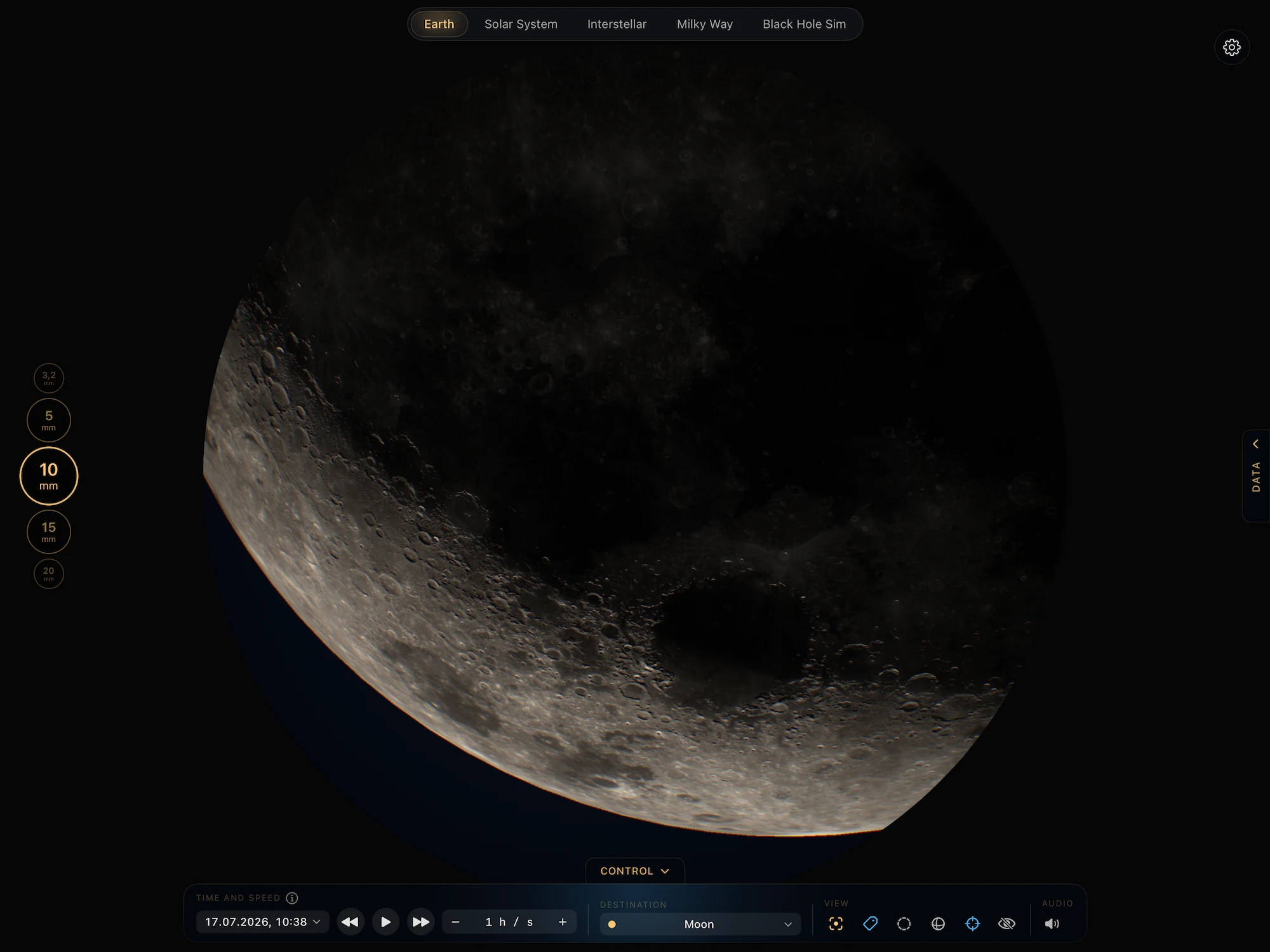
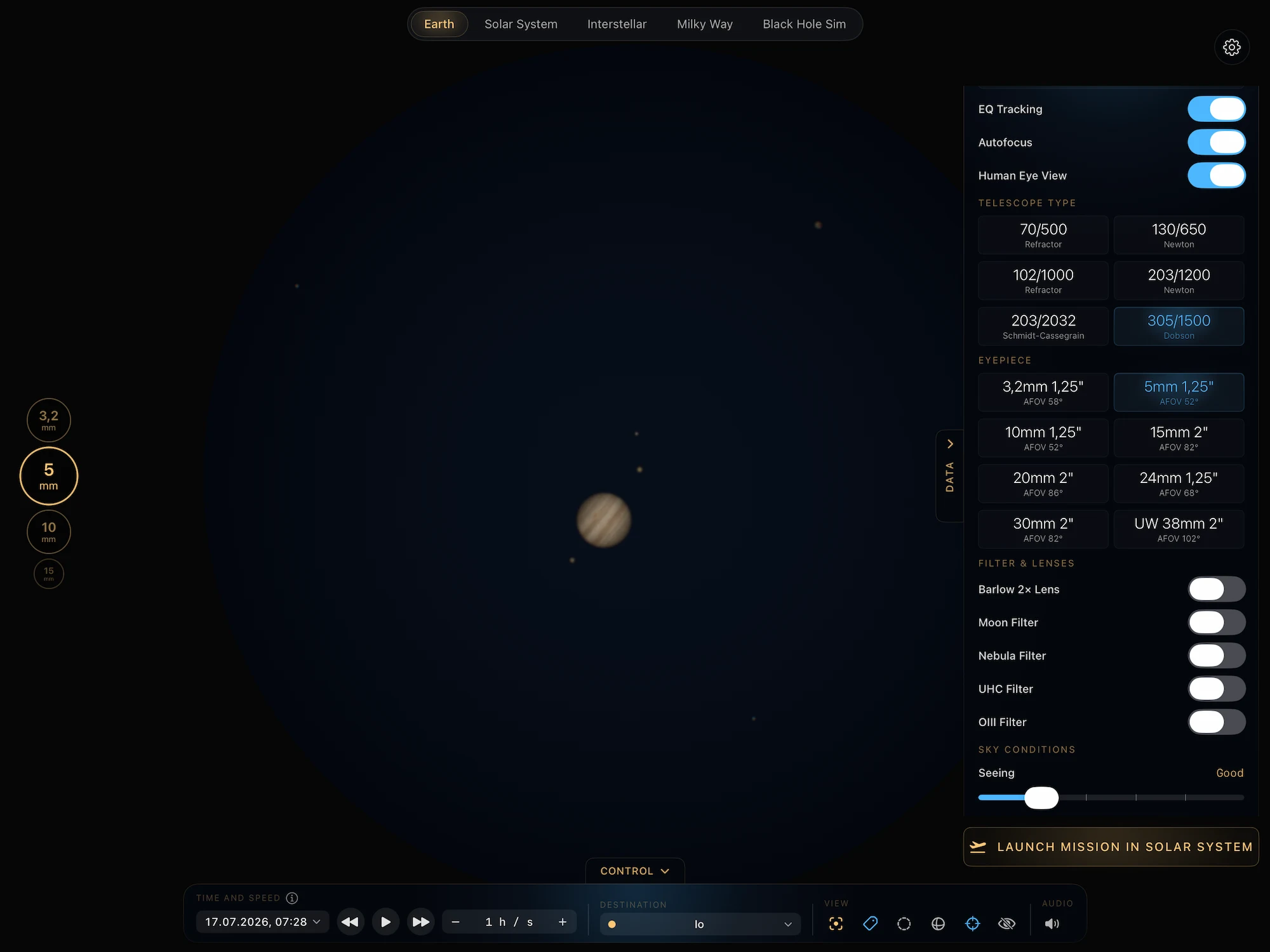
Built for iPad’s canvas. The 3D galactic map and the relativistic travel-time calculator share the screen side by side in landscape — no swiping between modes. The Black Hole Sim renders at full Retina, with iPad’s GPU headroom and our own metal rendering software, unlocking gravitational lensing and Doppler beaming in real time. In Galaxy mode 450.000 Stars are 3D simulated to help you understand the sheer size of the milky way. Understand the orbits and distances in our own solar system and see, how time moves different for an observer on a spaceship and one on Earth.
Pinch to zoom from the Sol System to Proxima Centauri, Beta Hydri and beyond. Apple Pencil picks the chosen Star with millimetre precision. Split View keeps NearLight alongside your textbook. Same general-relativistic engine as the Mac, with the intimacy of a held device.
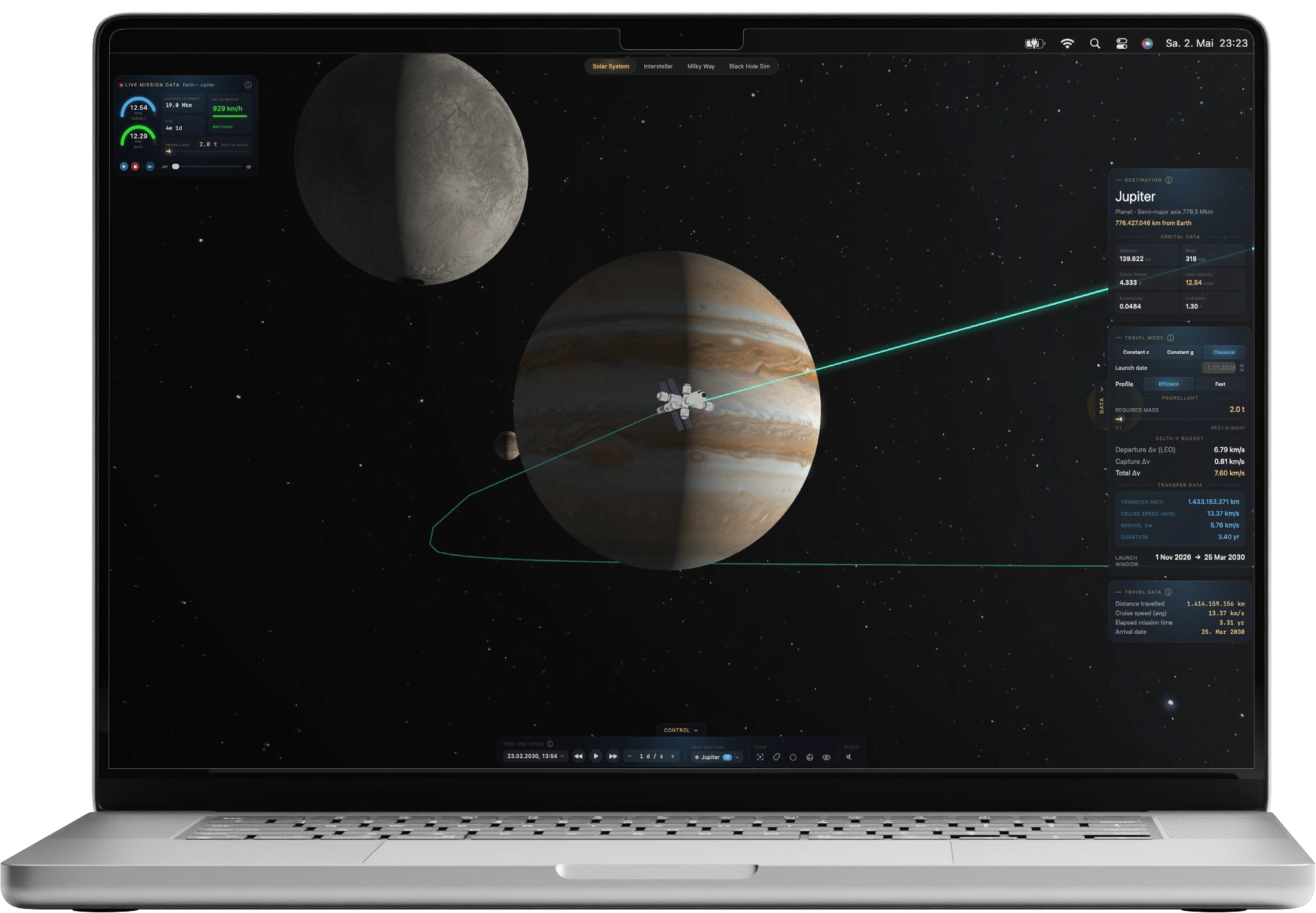
Explore nearby star systems in a beautifully detailed 3D space simulator built for the Mac. Search real stars, inspect their data, and compare interstellar travel times through classic and relativistic physics.
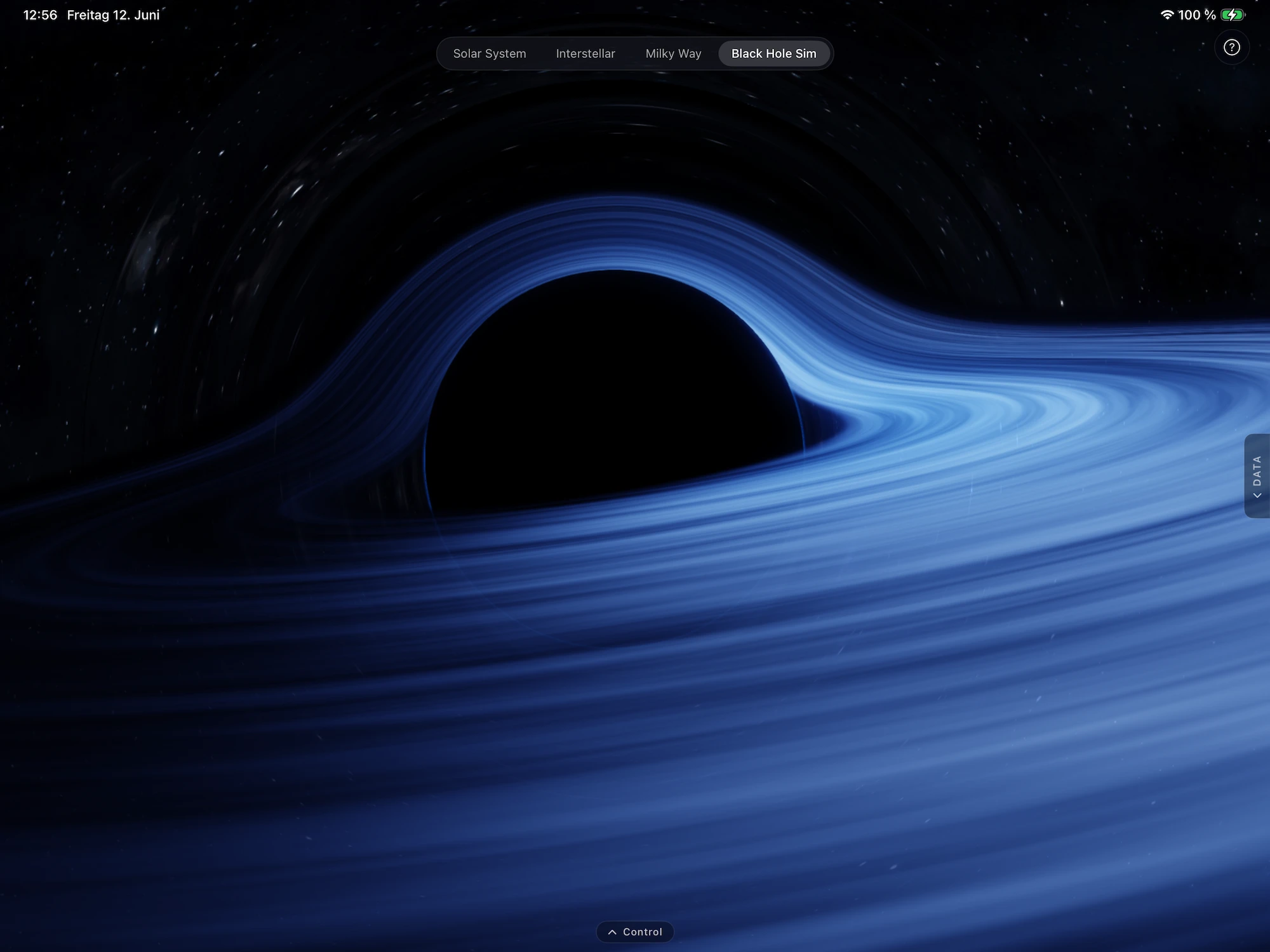
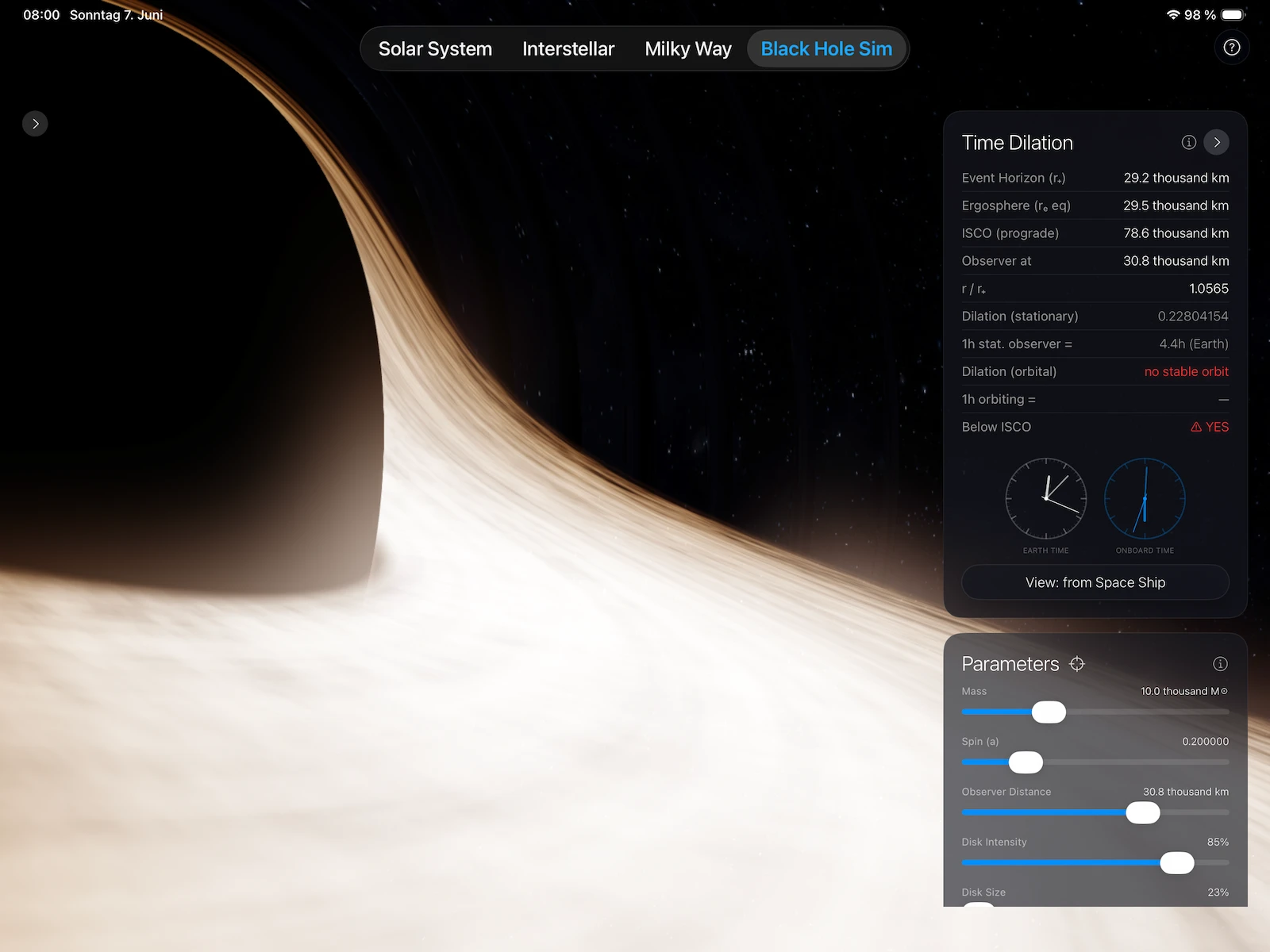
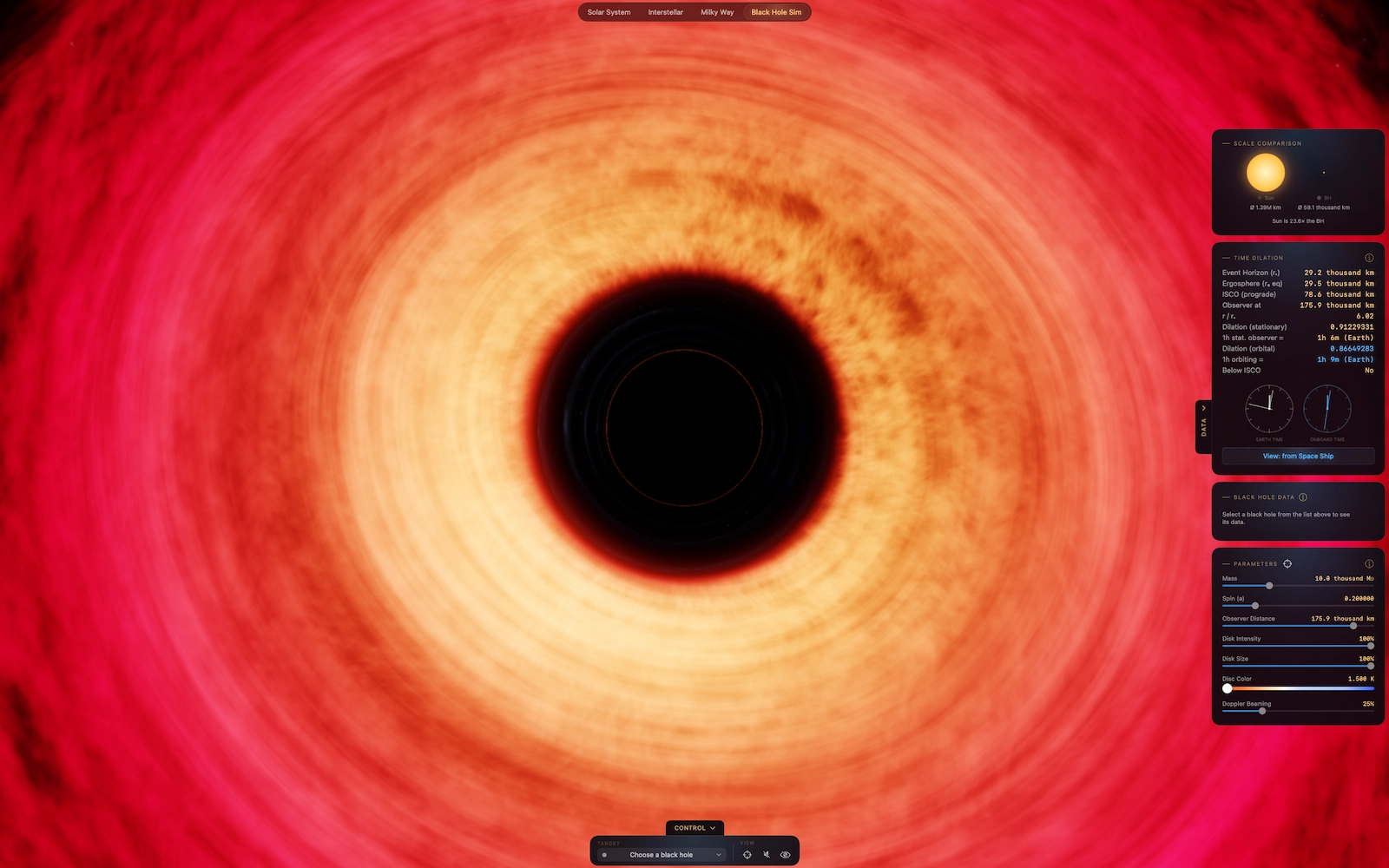
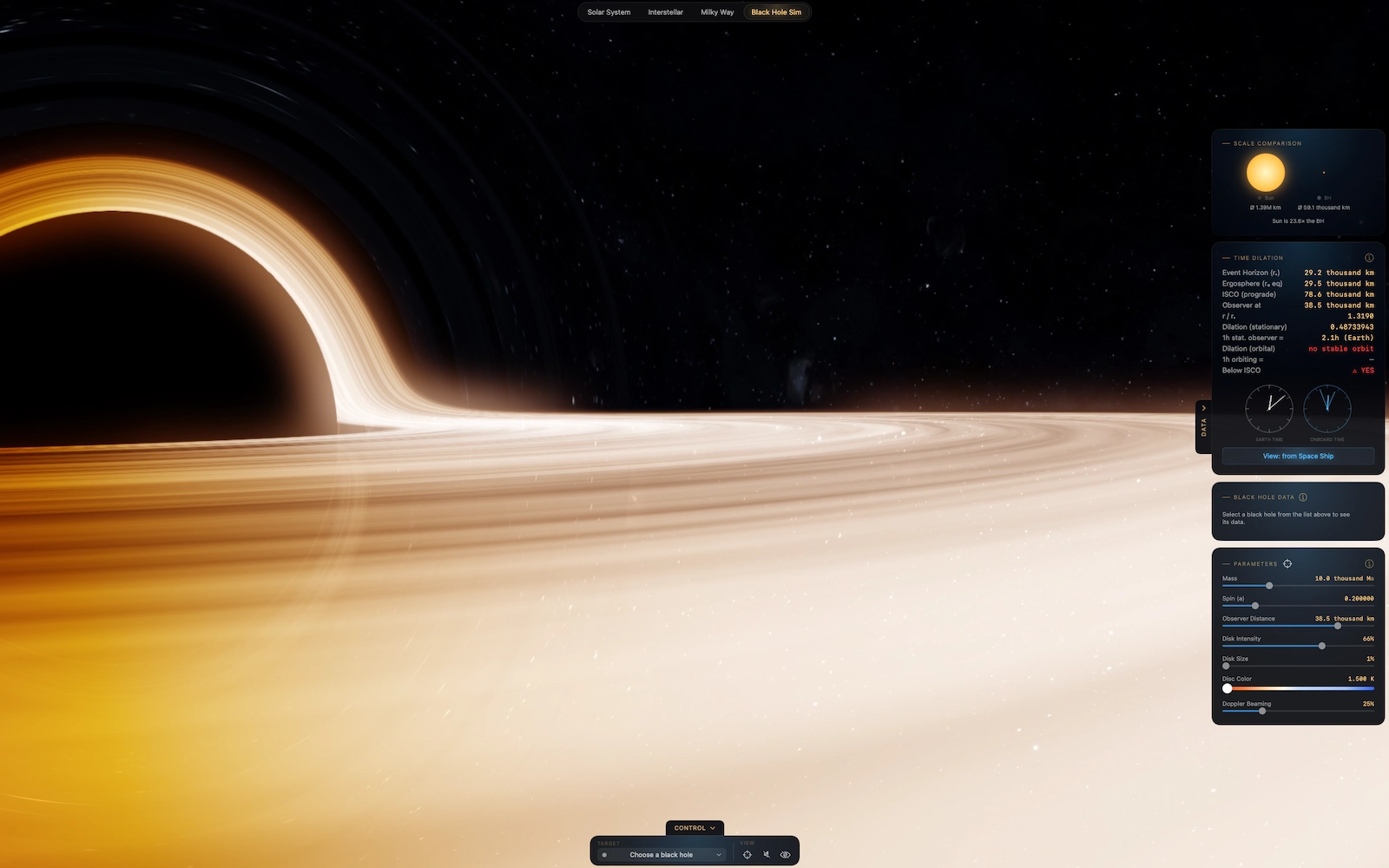
Black Hole Sim brings a paper-grade general-relativistic gravitational singularity into your hand. Tilt around 73 confirmed black holes — from Cygnus X-1 to TON 618 — read live time dilation in nanosecond precision, and watch one hour stretch into seven Earth years on Miller’s Planet. The physics is real. The rest is up to you.
Go full screen and view our neighborhood on the big screen or see the monstrous black hole spinning its giant disc as you get closer to the event horizon.
See the effects of time dilation, the Lorentz factor, and near-light-speed travel as you chart your course through nearby space.
What´s new in 1.5.0?
If you’ve ever wondered what interstellar travel would actually feel like in a realistic way, NearLight makes the physics visible. Get closer to the event horizon of a black hole or watch a spaceship path stretch across 3D space, choose a destination star, and see how much time passes on Earth versus aboard the ship. It’s part astronomy explorer, part physics visualizer, and part sci-fi dream machine. Easy to use, easy to understand.
NearLight lets people experience space and relativity visually, instead of learning them only through books, videos and equations.
With today’s chemical propulsion, even the outer planets of our own Solar System take years to reach — and crossing to another star system is simply out of reach. So I built a physically accurate simulator of the kind of propulsion that would get a spacecraft to a nearby world in days, or to neighbouring stars within a human lifetime.
The ship in NearLight runs in one of two modes: it either cruises instantly at a chosen fraction of the speed of light, or it accelerates and brakes at a chosen g-force (Brachistochrone). Both modes apply special-relativistic time dilation. Every calculation assumes a 10-tonne spacecraft — the small blue orb you see tracing its trajectory through the scene.
Let’s be honest: the energy these engines would demand is, for now, essentially impossible to produce. But if humanity ever does build something like the drives we know from sci-fi — Interstellar, Project Hail Mary, Alien, Star Trek — NearLight is your go-to simulator.
Since there are enormous amounts of spacecraft and mission goals available in real life, I had to center the idea around a spacecraft with a mass of 10 tons that can carry enough propellant to at least reach Neptune with a single Lambert transfer.
In reality, multiple transfers and gravity assists are used to save fuel, but that’s incredibly difficult to calculate and visualize in an app. There’s a reason NASA supercomputers exist. 🙂
So, while the physics and calculations are real, the spacecraft simply carries a bit more propellant. The Classical Mode has one main purpose: to illustrate just how incredibly slow we currently are, and that reaching another planet requires us to use everything we have just to gain a few km/s against the target and then wait months or even years to arrive there.
Insane thought, isn’t it? So that’s why the other travel modes exist.
One day, we’ll need them.
In reality, most departure and capture burns during interplanetary missions last only a few minutes. After that, the spacecraft spends months or even years coasting through space with little or no propulsion.
NearLight intentionally visualizes these burns over a much longer period – on purpose. If they were shown at their real duration, they would be almost invisible compared to a journey that may take hundreds or thousands of days. By extending the burn phase, users can better understand when and where energy is added to the mission, how transfer trajectories are created, and how a spacecraft gradually leaves one orbit and enters another.
The displayed burn duration is therefore a visual and educational aid. The underlying orbital mechanics, transfer calculations, travel times, and trajectories remain based on real physics.
Yes, if it where real scale, you´d be zooming and moving your mouse or finger for ages, trying to find a needle in a haystack (called “planet”) in the vast emptiness.
If the Sun is the size of a pea, Earth would be 70cm away with the size of a grain of sand. Go try to find that in the dark. Now imagine Jupiter, 4m away from that pea or Pluto 30m away from the pea-sun, impossible to see with the naked eye. Well, the sun still has 99,5% of the mass of solar system, think about that for a second…
You guessed it. If i didn´t scale everything (distances visually shorter, planets visually bigger), you´d be giving the app less than a star, not having any fun. As a matter of fact, the distances are accurate, only the visuals help you find everything.
Yes. The app is built around real nearby star systems and their known astronomical data from NASA and ESA Missions.
NearLight currently focuses on nearby star systems from a curated catalog of around 100 lightyears, so not every star in the sky is included. Some stars may be missing because they are outside the current catalog radius, have incomplete source data, or are listed under a different catalog identifier or alias. If you do not find a star, try a common alternate name, HIP number, or catalog ID. I will also improve the database over time, so additional stars and metadata may appear in future updates.
Yes, partially. On release, NearLight includes exoplanet host name and shows known planets for selected systems. In further releases a more detailed view might be implemented.
Some stars have limited public data or incomplete catalog metadata, so not every star has full physical details, aliases, or exoplanet information yet.
ETT means Earth Travel Time. It shows how long the trip would take as measured from Earth. OTT means Onboard Travel Time. It is the time experienced by the traveler on the spaceship, including relativistic effects.
Time dilation is the difference between Earth time and onboard travel time in a spaceship at high speeds, especially near the speed of light. Time passes differently for each observer.
Time Dilation also happens when closing in on a black hole. With NearLight, you can see these effects with moving clocks by simply dragging the slider to change the distance to the black hole, or the spin, or it´s mass.
Ever seen Interstallar or the recent movie Project Hail Mary? Their physics are quite real and show time dilation in a meaningful way.
The Lorentz factor, written as γ (gamma), is a core part of special relativity. It describes how time, length, and mass-related measurements change as an object moves closer to the speed of light. In NearLight, it is used to show how Onboard Travel Time (OTT) changes compared with Earth Travel Time (ETT) at relativistic speeds.
The formula is:
γ = 1 / sqrt(1 - v²/c²)
Where:
As v gets closer to c, the Lorentz factor grows very large. That is why time onboard the ship appears to slow down relative to Earth.
For travel time, a simple form is:
OTT = ETT / γThis means:
“β” (beta) is simply the ship’s speed written as a fraction of the speed of light — β = 0.5 is half light speed, β = 0.999 is 99.9 % of it.
An analogy: Imagine flooring a car that could accelerate forever. Normally the speedometer would just keep climbing — but the universe has a hard speed limit: the speed of light (c). So instead of running away, the needle slams up against that wall and then inches closer and closer to it, never quite touching it. That’s why the real speed looks “stuck” near light speed for almost the entire journey.
It’s also why the clocks disagree so wildly. That close to light speed, time on board slows to a crawl: a handful of years pass for the crew while thousands pass back on Earth. With Real β on you can see you really are at the edge of light speed — with it off, the slow-looking gauge can fool you into thinking you’ve barely started, even as Earth’s calendar races ahead.
Well basically everything is outlined in Kip Thornes paper and he explains it why.
Long story shot: a spin with a higher value would lead to the black hole falling/ripping appart. There´s an electromagnetic antiforce that prevents exactly that, which pins the spin at 0.9982. Nature is strange. So that´s why black holes don´t dissapear. For Interstellar, they had to magically let the spin go to 0.99999….to make the physics possible. At least in the movie.
A lot of ideas are in my head.
The star systems data will be expanded over time, including temperatures, masses, etc. I am thinking about an Exoplanet Dataset and other nice to have features.
But the main focus stays on time dilation and how it affects the clocks and travel times. One feature i´d love to make is simulating a journey the end/beginning of the observable universe, which, theoreticly could be possible within a human lifetime. The only downside is the time that passes on earth. There´d probably be no-one left to tell the story….
New features with time and love.
Currently not. But it´s not ruled out on future releases. Depending on the initial success of the app, i will promise to make an Apple Vision app once the threshold of the devices price is met in sold apps. 🙂 If you want to help the development, please feel free to review the app on the store and help promoting it to other physics fans out there.
What once started as a project for myself (let´s see if any of those movies are right), ended up in a small calculator app and got bigger and bigger with each revision. It´s one thing to ask an AI about hard facts, it´s another one to get a feeling for it and seeing the time go by on different clocks.
I am a 51 year old brand agency owner and web developer from Germany. So that profession background helped a bit by creating the visuals and style of NearLight. I hope you enjoy the app! Leave a review if you like it and want to support the app.
Write us :